What Antivirus Should a Small Business Use in 2026?
Windows Defender is on every PC, but it's not the same as business endpoint security. Here's what small businesses actually need and what to pay for it.
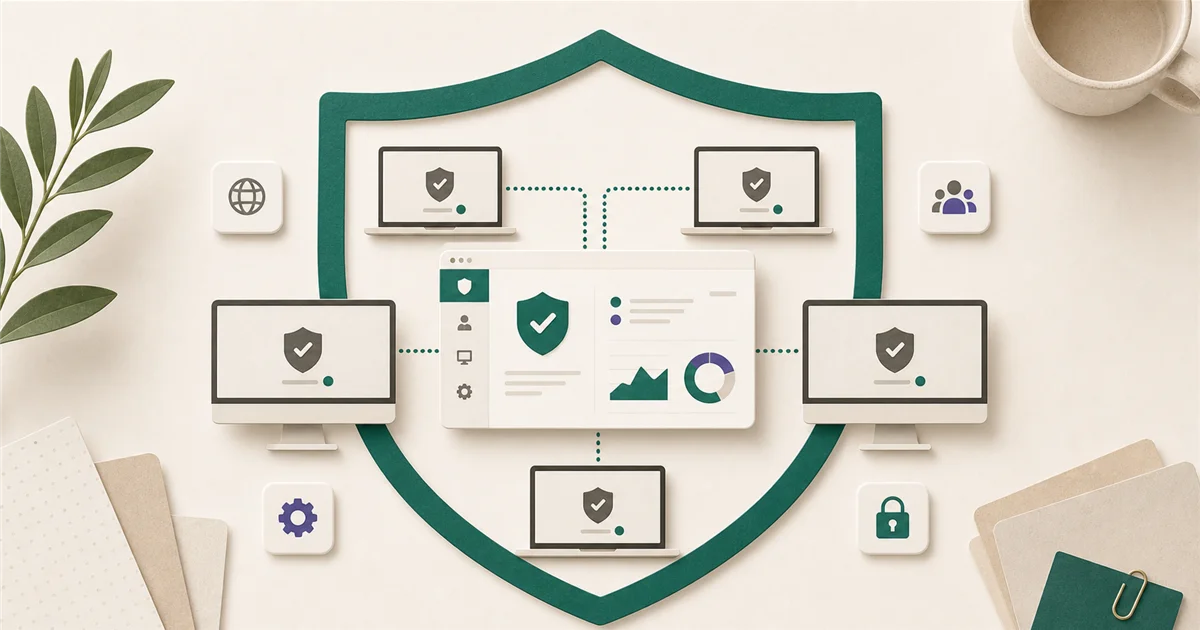
“Is the built-in Windows Defender good enough?” is the question nearly every small business owner asks at some point. The honest answer: the free version that comes with Windows is not designed for business use. Here’s what that means and what to do instead.
Short answer
For most small businesses already paying for Microsoft 365 Business Premium, you already have Microsoft Defender for Business included, and it is a solid choice. If you’re not on Business Premium, Defender for Business is available as a standalone product at around $3/user/month.
If you want a third-party option with independent lab testing, ESET PROTECT (99.5% malware detection, zero false alarms in AV-Comparatives 2025) and Bitdefender GravityZone (100% detection rate in AV-TEST 2026 certifications) are the best-tested alternatives.
What matters most?
When businesses talk about “antivirus,” they usually mean protection from malware (viruses, ransomware, spyware). That is table stakes. What separates business-grade security software from the free version on your home computer is:
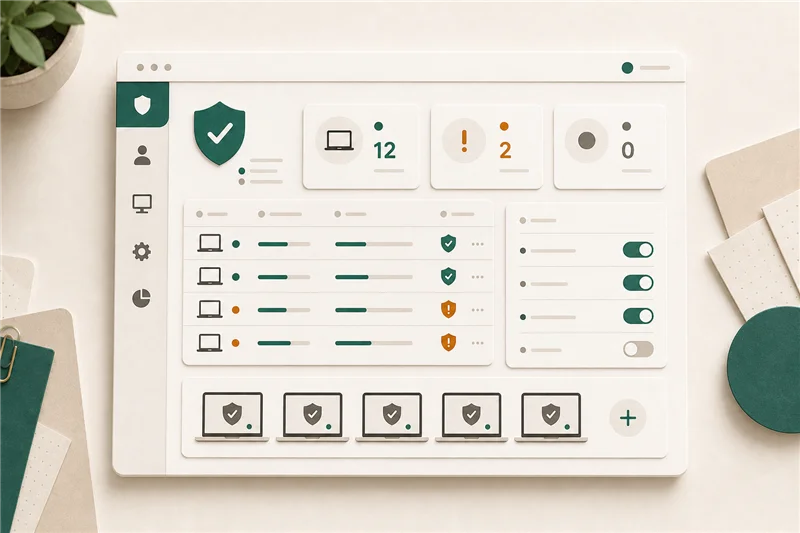
Central management dashboard. A business product lets one person (you, your IT contractor, or your managed service provider) see all devices in one place, push policies, and respond to alerts. Consumer antivirus doesn’t have this.
Behavior-based detection. Modern threats don’t look like classic viruses. Business products include EDR (endpoint detection and response), which watches for suspicious behavior (like a Word document suddenly trying to encrypt files) rather than just matching known malware signatures.
Policy enforcement. You can require that every company device has certain settings configured. If a device goes offline and stops reporting, you know.
Is built-in Windows Defender enough?
The Windows Security app that ships with Windows 11 is decent consumer protection. It is not the same as Microsoft Defender for Business.
The consumer version has no central management console, no EDR capabilities, and no visibility across multiple devices. If one employee’s laptop gets infected, you won’t know about it from the other computers.
The answer to “is Windows Defender good enough?” is: the free consumer version, no. The paid Defender for Business, yes, for most small teams.
Good options by company size
1-5 employees, all Windows, no dedicated IT: Microsoft Defender for Business standalone (~$3/user/month) is the most practical choice. It integrates with existing Microsoft accounts, the dashboard is accessible to non-specialists, and if you upgrade to Microsoft 365 Business Premium later, it’s already included.
5-25 employees, mixed platforms (Mac + Windows), or want third-party validation: ESET PROTECT is worth a look. It covers Windows, Mac, Linux, and mobile from a single cloud console. AV-Comparatives rated it 99.5% detection with zero false positives in their 2025 Business Security Test.
Bitdefender GravityZone is the other top choice here. AV-TEST gave it a 100% detection rate in their 2026 business endpoint certifications. It also includes built-in risk analytics: a dashboard that flags things like outdated software, weak passwords, or unpatched systems.
25-50 employees, or companies with compliance requirements: At this size, EDR features become more important. Microsoft Defender for Business, ESET PROTECT Advanced, and Bitdefender GravityZone Business Security Enterprise all include EDR. If you’re already on Microsoft 365 Business Premium, staying within the Microsoft ecosystem simplifies administration.
What to avoid
Free consumer antivirus for business devices. Avast Free, Malwarebytes Free, and the built-in Windows Security app are designed for personal computers. They lack the central management that makes business protection workable.
Norton Small Business. Adequate for very small teams (under 5 people), but it lacks the centralized management panel you’ll need as your team grows. It’s an entry-level option, not a long-term solution.
Avast Business without understanding its ownership history. Avast was acquired by Gen Digital (formerly the company that owned NortonLifeLock and Symantec) in 2022. Some businesses have concerns about that ownership. This doesn’t make the product ineffective, but it’s worth knowing.
When to pay more
The jump from ~$3/user/month (Defender for Business standalone) to ~$5-8/user/month (premium ESET or Bitdefender tiers) is worth it if:
- Your team handles financial data, medical records, or client contracts
- You’ve had a security incident or near-miss in the past 12 months
- You manage devices for employees who work remotely from uncontrolled networks
- Your cyber insurance policy requires documented endpoint security controls
Final recommendation
If you’re on Microsoft 365 Business Premium, Defender for Business is already included. Configure it and use it. If you’re on a lower M365 tier and want endpoint security, add Defender for Business as a standalone product.
For businesses that prefer a third-party vendor or manage non-Windows devices, ESET PROTECT is the strongest independently tested option at a competitive price.
Sources
More from the journal
Keep reading the surrounding signals
Why Outlook Keeps Asking for Your Password (and How to Stop It)
Repeated Outlook password prompts are almost always caused by stale saved credentials or an outdated sign-in method — both fixable in minutes.
Read note
What to Do When an Employee Leaves: An IT Offboarding Checklist
Block the account and revoke sessions first, within minutes, not days. Everything else follows in order. Here's the full checklist for Microsoft 365 and Google Workspace.
Read note
How to Recognize and Respond to a Phishing Attack
The first 60 minutes after a suspected phishing click matter most. Block the account, revoke sessions, change the password, in that order.
Read note