Why Outlook Keeps Asking for Your Password (and How to Stop It)
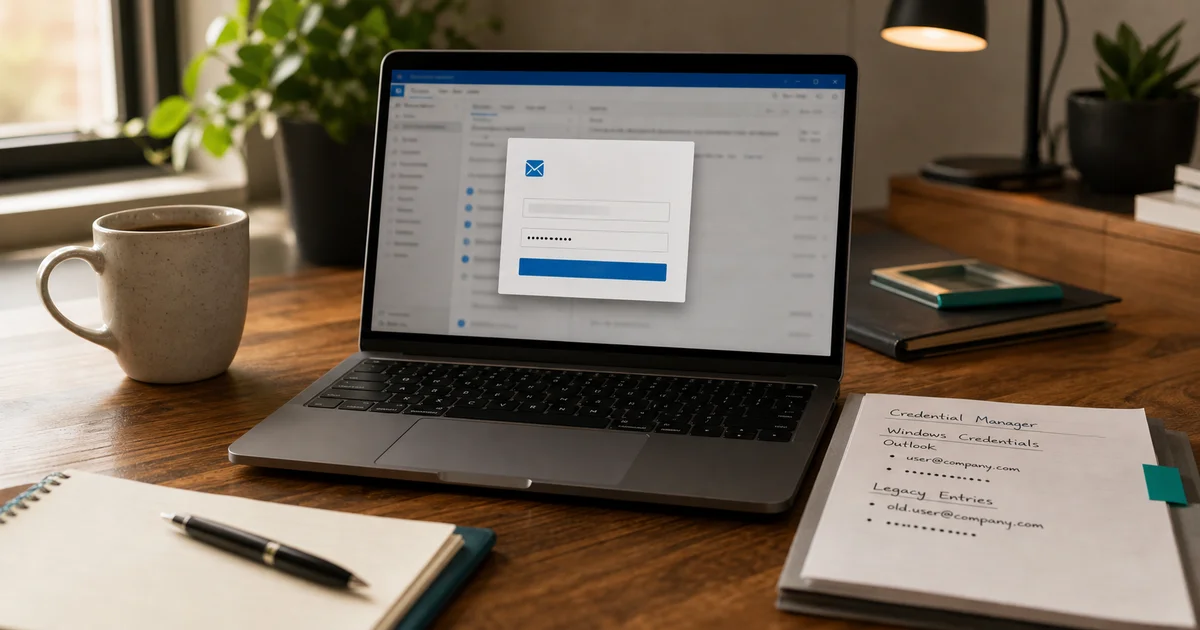
Repeated Outlook password prompts are almost always caused by stale saved credentials or an outdated sign-in method — both fixable in minutes.
Read noteJournal
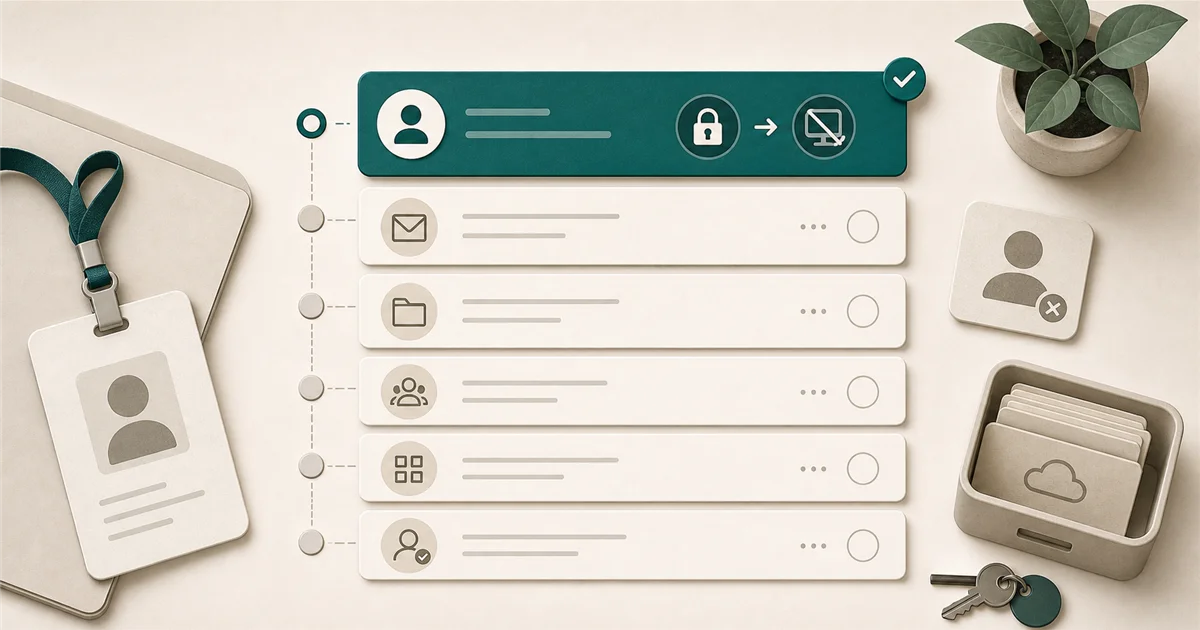
The blog is where ZepedaLabs publishes practical security, software, and troubleshooting guides that help small teams make better technology decisions.
Repeated Outlook password prompts are almost always caused by stale saved credentials or an outdated sign-in method — both fixable in minutes.
Read note
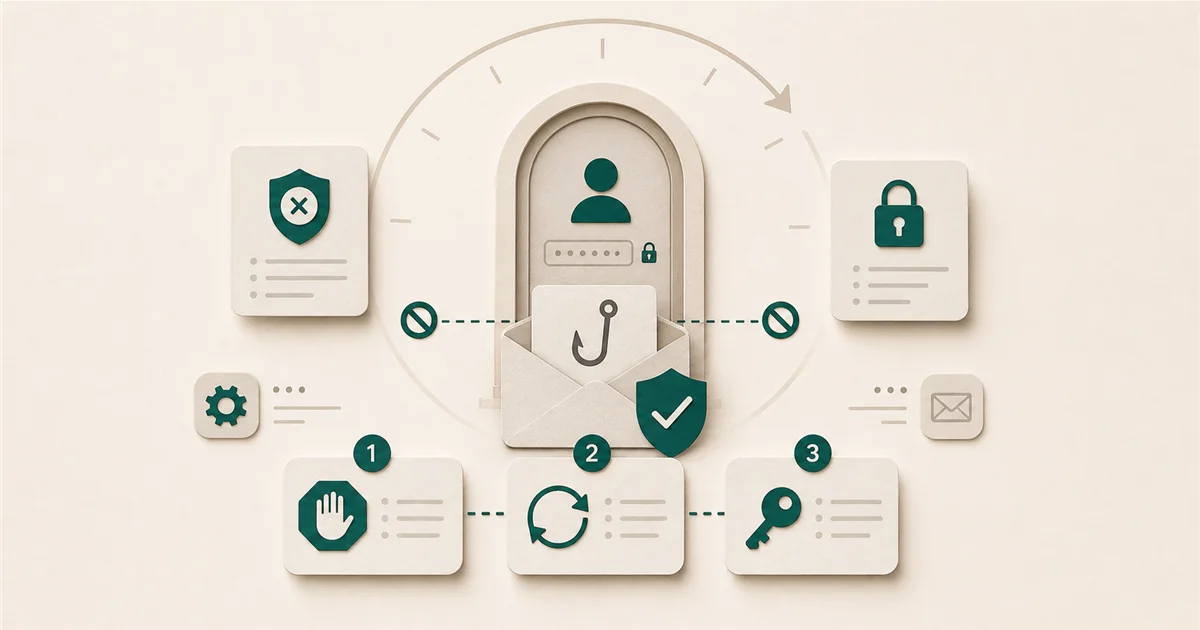
Block the account and revoke sessions first, within minutes, not days. Everything else follows in order. Here's the full checklist for Microsoft 365 and Google Workspace.
Read note
The first 60 minutes after a suspected phishing click matter most. Block the account, revoke sessions, change the password, in that order.
Read noteCategory
Practical fixes and decision guides for recurring business-tool issues.
Repeated Outlook password prompts are almost always caused by stale saved credentials or an outdated sign-in method — both fixable in minutes.
Read note
Block the account and revoke sessions first, within minutes, not days. Everything else follows in order. Here's the full checklist for Microsoft 365 and Google Workspace.
Read note
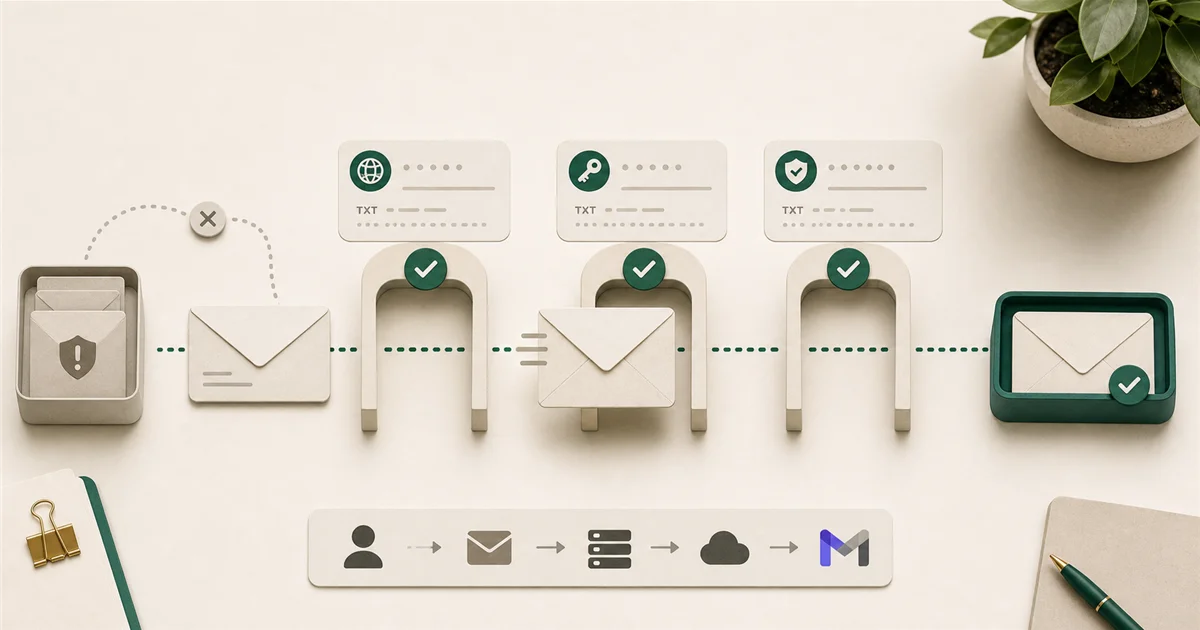
The most common cause is missing DNS authentication records: SPF, DKIM, and DMARC. Setting all three up takes under an hour and is now required by Gmail.
Read noteCategory
Antivirus, MFA, phishing, and account protection for smaller teams.
The first 60 minutes after a suspected phishing click matter most. Block the account, revoke sessions, change the password, in that order.
Read note
Browser-saved passwords don't support shared vaults, admin visibility, or offboarding. Here's what to use instead and what it costs.
Read note
Multi-factor authentication blocks 99.9% of account takeovers. Here's how to roll it out to a small team without the flood of help-desk calls.
Read note
Windows Defender is on every PC, but it's not the same as business endpoint security. Here's what small businesses actually need and what to pay for it.
Read noteCategory
Software, devices, and cost decisions worth getting right.
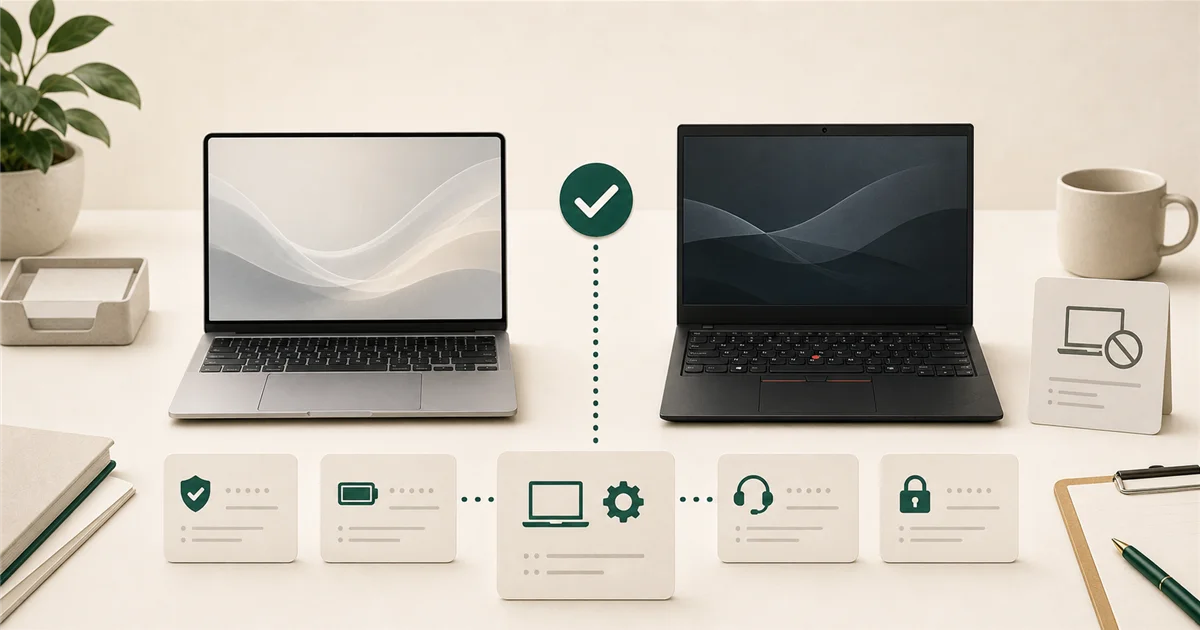
Spend $900-$1,400 per laptop for most office roles. The MacBook Air M5 and Lenovo ThinkPad X1 Carbon are the two strongest picks at this price range.
Read note
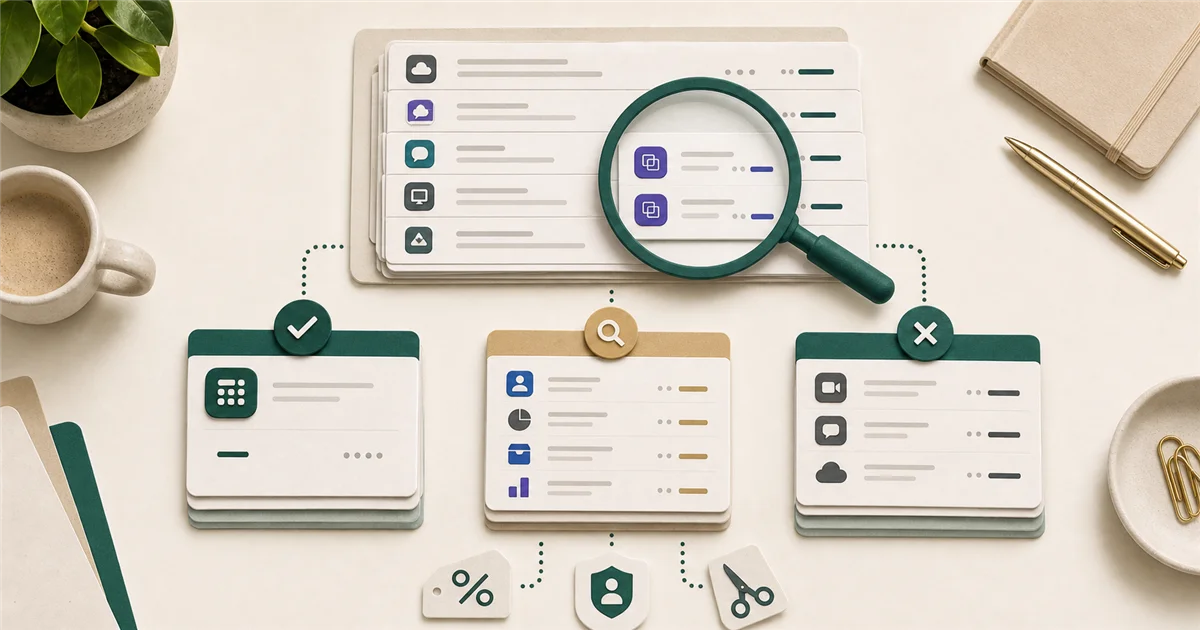
Most small businesses are paying for software with less than 50% active usage. A one-hour audit of your statements usually surfaces $200-$500 in cuttable monthly spend.
Read note
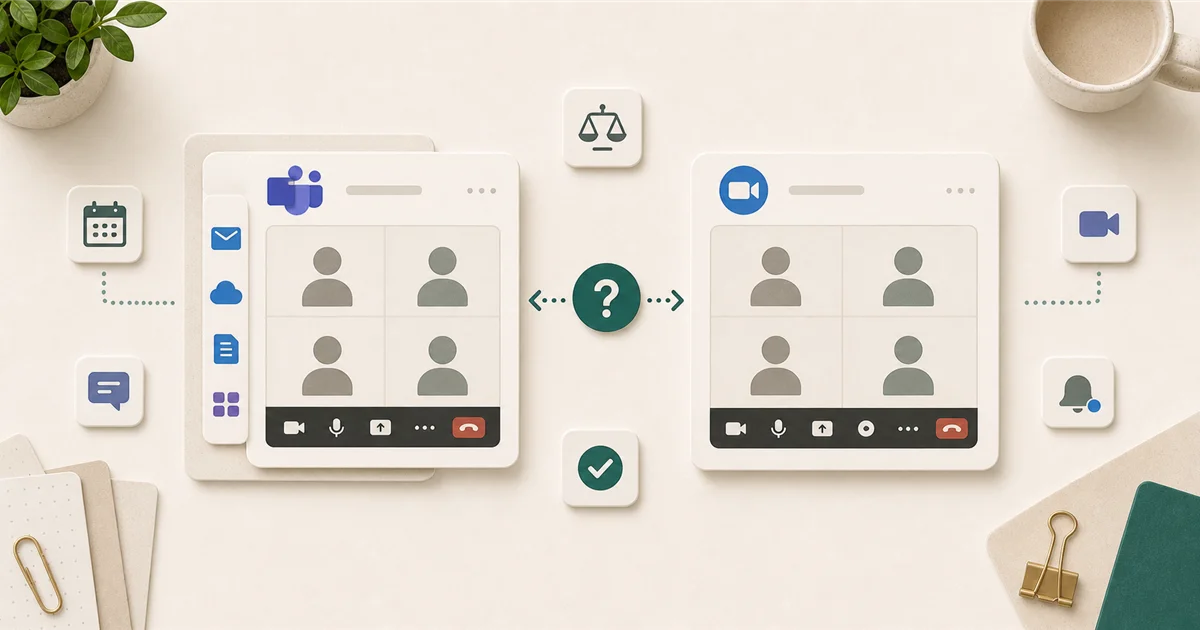
If you're already on Microsoft 365, Teams is probably already paid for. Here's when Zoom is worth adding, and when it's not.
Read note
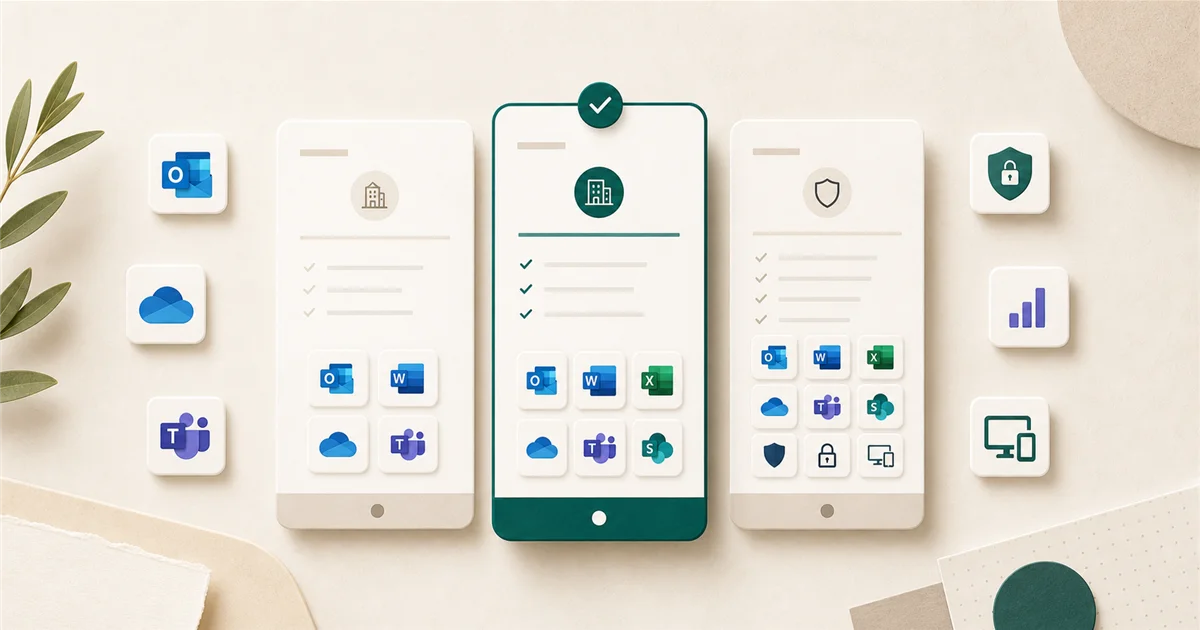
For most 10-person businesses, Microsoft 365 Business Standard is the right starting point, but a price increase in July 2026 changes the math.
Read noteThe journal is meant to help teams recognize the signal early. When the issue touches ownership, access, email, or recurring admin friction in more than one place, the checkup is where that pattern gets translated into priorities.