What Laptops Should a Small Business Buy in 2026?
Spend $900-$1,400 per laptop for most office roles. The MacBook Air M5 and Lenovo ThinkPad X1 Carbon are the two strongest picks at this price range.
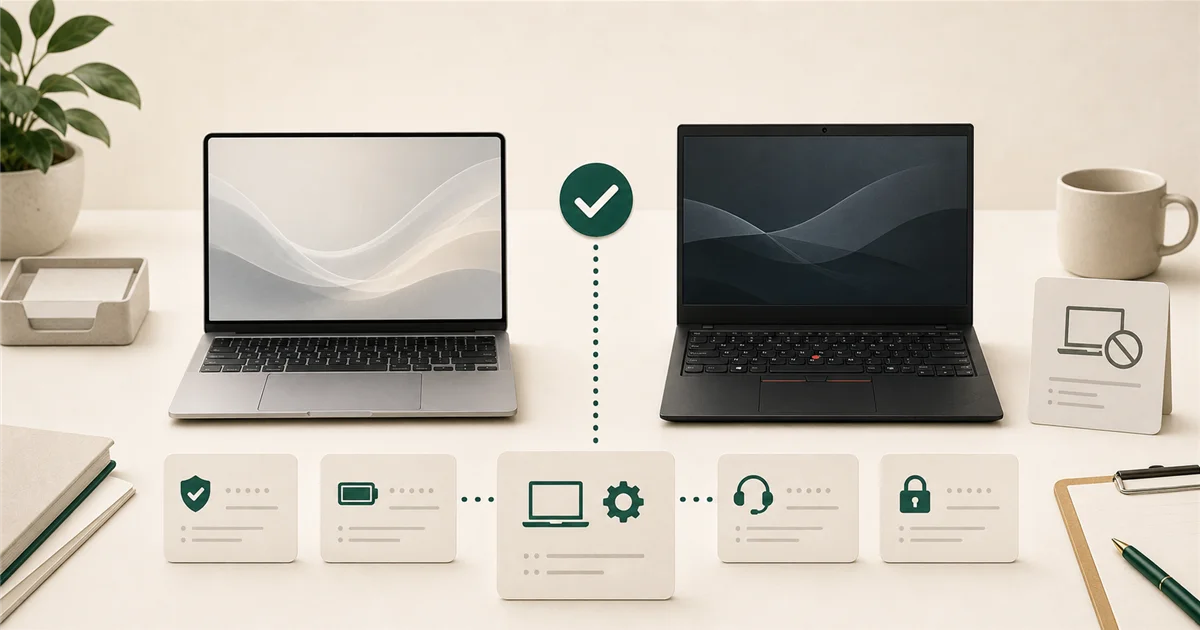
“Can I just buy a cheap $400 laptop from Best Buy?” The honest answer is no, not for a business. Here’s what to buy instead and how much to spend.
Short answer
For most office-based roles, spend $900-$1,400 per laptop. The MacBook Air M5 (starting at $1,099) is the best all-around pick for teams that want low maintenance and long battery life. The Lenovo ThinkPad X1 Carbon Gen 14 (starting around $1,299) is the top Windows business laptop for teams that use Windows-specific software or need IT manageability.
Avoid consumer-grade laptops (HP Pavilion, Dell Inspiron, Lenovo IdeaPad) for business use. They have shorter warranties, no business support lines, and weaker build quality designed for light home use.
What matters most?
Battery life, not specs. For most office employees, a laptop that lasts a full workday on a charge is more valuable than a faster CPU. A salesperson in client meetings or an employee who works from a coffee shop once a week needs 10+ hours of real-world battery. Prioritize this over RAM or processor speed.
Business warranty and support. Consumer laptops come with one-year warranties through a consumer support line. Business models typically include three-year warranties, next-business-day on-site repair options, and dedicated business support. When a laptop fails mid-deadline, this difference matters.
Durability. Business laptops are built to survive being carried, dropped in a bag, and used daily for 4-6 years. Consumer laptops are often designed for lighter use.
IT manageability. If you have an IT person or use a managed service provider (MSP), they can enroll business laptops into device management tools (Microsoft Intune, Apple Business Manager) that allow remote setup, policy enforcement, and remote wipe. Consumer laptops can be enrolled too, but business models have better tested compatibility.
Good options by budget tier
Budget ($600-$900): light users and part-time roles
At this price, the options are limited but workable for employees who primarily work in a browser and don’t need heavy local processing.
The Lenovo ThinkPad L series (L14, L15) hits this range while keeping the ThinkPad business warranty and keyboard quality. Acceptable for admin staff who live in Microsoft 365 or Google Workspace.
This tier is also reasonable for a backup laptop or a temporary device while a primary laptop is repaired.
What to avoid here: Any consumer-branded laptop at this price point. HP Pavilion, Dell Inspiron, and Lenovo IdeaPad are home computers. You will feel the difference in build quality and warranty support within 18 months.
Standard ($900-$1,400): most office employees
MacBook Air M5: Starting at $1,099, the 2026 MacBook Air M5 doubles the base storage to 512 GB compared to the M4, adds Wi-Fi 7 and Bluetooth 6, and carries forward the M-series chip reputation for strong battery life (typically 15-18 hours in real-world productivity use). The Air has no fan, so it runs silently. For teams without a dedicated IT person, Apple’s device management via Apple Business Manager is straightforward, and macOS tends to require less day-to-day maintenance than Windows for non-technical users.
Best for: Teams on Apple ecosystem, teams without dedicated IT staff, roles that travel frequently.
Lenovo ThinkPad X1 Carbon Gen 14: Starting around $1,299-$1,799 depending on configuration, the X1 Carbon weighs just 2.17 lbs, has a 12+ hour battery, and is designed for tool-free repairability. The optional Intel vPro processor configuration enables remote diagnostics and repair, which is useful if you have an IT person who manages devices remotely. ThinkPad keyboards are widely regarded as the best on any business laptop.
Best for: Windows-dependent workflows, teams with an IT person or MSP, businesses that need enterprise device management.
Dell Latitude series: The Latitude is Dell’s business line (not the XPS, which is consumer-premium). The Latitude 7000 series sits in this budget range and includes Dell’s business-class warranty options.
HP EliteBook series: HP’s business line, not the consumer Envy or Spectre. Includes HP Wolf Security built-in, which provides hardware-level protection.
Power ($1,400-$2,500): design, finance, engineering
This tier covers employees running design software, financial modeling, video editing, or engineering tools.
MacBook Pro M4 or M5: For creative and design roles that are already on Mac, the Pro’s more powerful chip and additional ports justify the premium.
ThinkPad X1 Extreme or similar high-spec Windows laptops: For Windows-based power users who need more GPU power or RAM than the Carbon provides.
What to avoid
Consumer-grade laptops for business use. HP Pavilion, Dell Inspiron, Lenovo IdeaPad, Acer Aspire. These are designed for home use and will disappoint in a business context, both in terms of build quality and the support experience when something goes wrong.
The cheapest available option. A $400 laptop will typically last 2-3 years in business use before performance becomes a problem. A $1,100 business laptop lasts 5-6 years. Over a 6-year period, two cheap laptops cost more than one good one.
Refurbished consumer laptops for primary business use. Refurbished business laptops from reputable sellers (Lenovo Outlet, Dell Refurbished) are reasonable. Refurbished consumer laptops carry the same support and durability limitations as new consumer laptops.
When to pay more
Spend over $1,400 when:
- The employee’s work is CPU or GPU-intensive (design, video, data modeling)
- Travel is heavy and weight savings matter significantly
- You want the extra warranty tier that includes accidental damage coverage
Final recommendation
For a typical 10-person office: MacBook Air M5 if the team leans Apple or has no dedicated IT staff. ThinkPad X1 Carbon if the team runs Windows-specific software or has IT management needs.
Buy the business line, not the consumer line. Budget for $1,000-$1,400 per seat. The total cost of a good laptop over 5 years is lower than replacing a cheap one after 2.
Sources
More from the journal
Keep reading the surrounding signals
Why Outlook Keeps Asking for Your Password (and How to Stop It)
Repeated Outlook password prompts are almost always caused by stale saved credentials or an outdated sign-in method — both fixable in minutes.
Read note
What to Do When an Employee Leaves: An IT Offboarding Checklist
Block the account and revoke sessions first, within minutes, not days. Everything else follows in order. Here's the full checklist for Microsoft 365 and Google Workspace.
Read note
How to Recognize and Respond to a Phishing Attack
The first 60 minutes after a suspected phishing click matter most. Block the account, revoke sessions, change the password, in that order.
Read note