What Password Manager Should a Small Business Team Actually Use?
Browser-saved passwords don't support shared vaults, admin visibility, or offboarding. Here's what to use instead and what it costs.
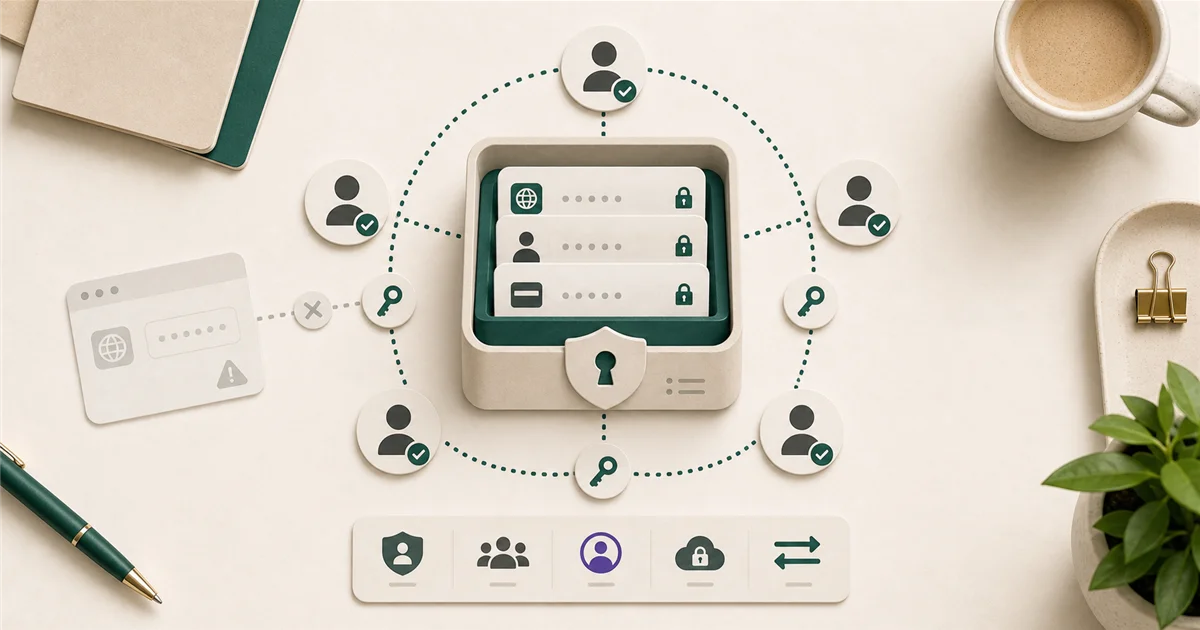
“We already save passwords in Chrome. Why do we need a separate tool?” is a fair question. The answer matters most when an employee leaves the company.
Short answer
Yes, a dedicated password manager is worth paying for. Browser-saved passwords belong to the individual’s Google or Microsoft account. They don’t follow shared credentials, they can’t be revoked when someone leaves, and your IT contact has zero visibility into them.
For most small teams, Bitwarden Teams at $4/user/month is the best value: open-source, independently audited, supports shared vaults, and has an admin console. 1Password Business at $7.99/user/month is the better choice for teams that use Apple devices heavily or need to manage contractors alongside employees.
What matters most?
When evaluating password managers for a business, the four things that matter most are:
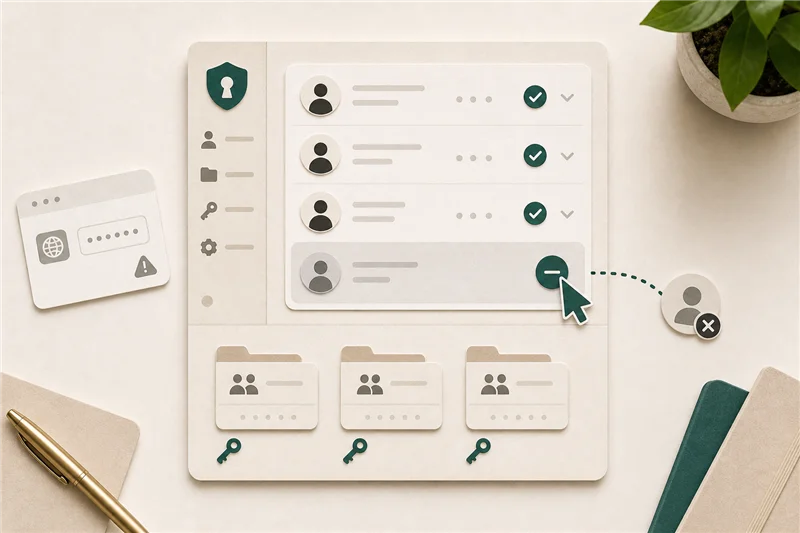
Shared vaults. A business often has credentials that multiple people need: a shared inbox, a social media account, a vendor portal. Browser password saving has no concept of shared vaults. A password manager gives you a controlled, auditable place to store and share those.
Admin visibility. Can you see who has access to what? Can you revoke access when someone leaves? Browser-based saving: no. A business password manager: yes.
Offboarding. When an employee leaves, you want to change the passwords they had access to and remove their vault access. Without a password manager, this is guesswork. You’re hoping they saved company passwords in their own browser, not their personal one.
Cross-platform compatibility. A password manager that only works on Windows or only in Chrome creates problems when half the team is on Mac or uses a different browser.
Why browser-saved passwords aren’t enough for a business
Chrome, Edge, and Safari all save passwords tied to a personal account (Google, Microsoft, or Apple ID). This creates several problems:
- If an employee uses their personal Google account on a work device, company passwords may be in their personal cloud, inaccessible to you and leaving with them when they go.
- There is no way for an admin to audit what passwords have been saved, or reset access to shared accounts.
- Breach monitoring, if it exists, applies only to that individual’s personal account, not to the team.
Good options by company size
Under 10 employees: Bitwarden Teams ($4/user/month) is the right starting point. It covers shared collections (groups of passwords for shared access), an admin console that lets you manage users and permissions, and runs on every platform and browser. Because it’s open-source, the code is publicly reviewed, which translates to “independently audited and publicly verifiable” for a non-technical reader.
10-50 employees: 1Password Business ($7.99/user/month) becomes more competitive at this size. It includes 20 guest accounts for contractors (useful for businesses that regularly work with outside vendors), a feature called Watchtower that monitors for compromised credentials, and it’s considered the best-in-class experience for Apple ecosystem teams (Mac, iPhone, iPad). The admin console is more polished than Bitwarden’s at this scale.
NordPass Business (~$3.59/user/month annual) is worth knowing as the lowest-cost full-featured option. Less name recognition, but competitive on core features.
25+ employees: At this size, the ability to connect your password manager to your identity provider (Microsoft Entra ID, Google Workspace) becomes valuable. This is called SSO (single sign-on) and SCIM (automatic provisioning and deprovisioning, where new employees get access and departing employees lose it automatically). Bitwarden Enterprise ($6/user/month) and 1Password Business both support SSO and SCIM. Most businesses under 25 people don’t need this yet.
What to avoid
LastPass. It has had two major security breaches, in 2022 and 2023, in which encrypted vault data was stolen. LastPass remains on the market and has made security improvements, but the breach history gives most security professionals pause. It is not the recommended option.
Dashlane. Pivoted heavily toward consumer use in recent years. Its business tier is less competitive than Bitwarden or 1Password in 2026.
Continuing with browser-based saving indefinitely. The longer this goes on, the harder the eventual migration becomes.
When to pay more
The jump from Bitwarden ($4) to 1Password ($7.99) is worth it when:
- More than half your team is on Apple devices (Mac, iPhone)
- You have frequent contractors who need temporary, limited access to shared credentials (1Password’s guest accounts handle this cleanly)
- You want a more polished onboarding experience for non-technical team members
Final recommendation
Start with Bitwarden Teams. Create the team vault, invite everyone, and give the team 30 days to migrate their saved passwords in. If your company uses device policy management (Intune or similar), you can block browser-based password saving as part of the rollout.
On day one: create the vault, invite everyone, set the 30-day deadline, and move the most critical shared credentials immediately (admin logins, financial accounts, vendor portals).
Sources
More from the journal
Keep reading the surrounding signals
Why Outlook Keeps Asking for Your Password (and How to Stop It)
Repeated Outlook password prompts are almost always caused by stale saved credentials or an outdated sign-in method — both fixable in minutes.
Read note
What to Do When an Employee Leaves: An IT Offboarding Checklist
Block the account and revoke sessions first, within minutes, not days. Everything else follows in order. Here's the full checklist for Microsoft 365 and Google Workspace.
Read note
How to Recognize and Respond to a Phishing Attack
The first 60 minutes after a suspected phishing click matter most. Block the account, revoke sessions, change the password, in that order.
Read note