Which Microsoft 365 Plan Does a Small Business Actually Need?
For most 10-person businesses, Microsoft 365 Business Standard is the right starting point, but a price increase in July 2026 changes the math.
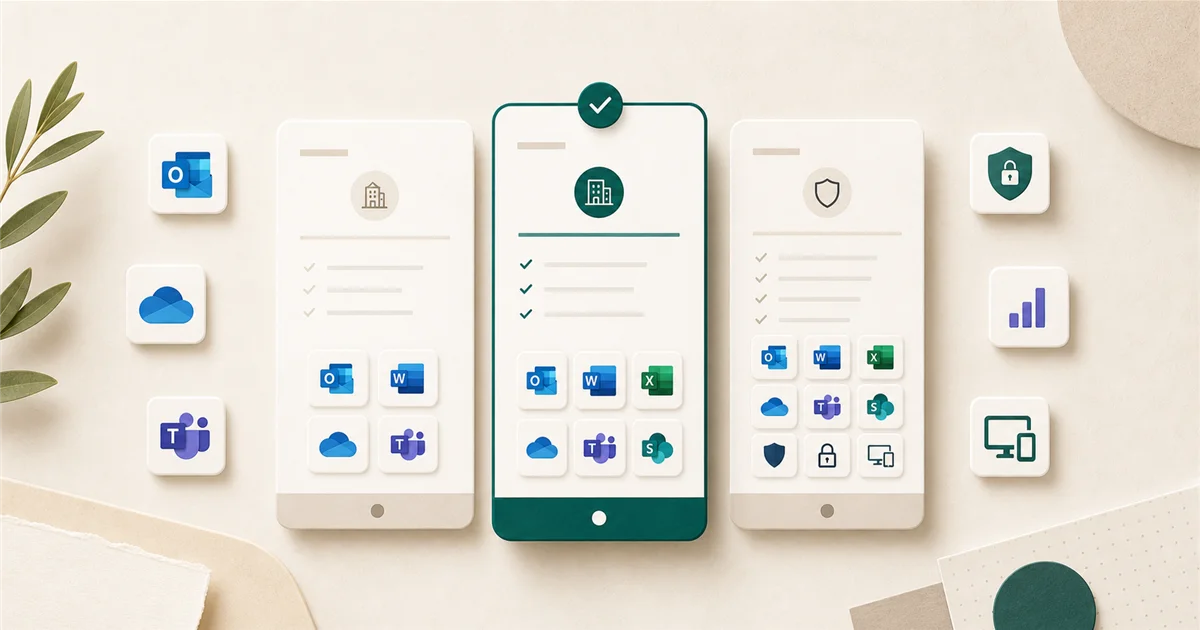
If you have around 10 employees and pay for Microsoft 365, you’ve probably wondered whether you’re on the right plan or whether you’re overpaying for features no one uses. Here’s a straightforward breakdown.
Short answer
For most 10-person businesses, Microsoft 365 Business Standard at $12.50/user/month (annual) is the practical starting point. It includes desktop Office apps (Word, Excel, PowerPoint, Outlook), Microsoft Teams, Exchange email, and 1 TB of OneDrive storage per user.
If your team handles sensitive client data, uses shared or unmanaged devices, or has had any kind of security incident, Business Premium at $22/user/month is worth the upgrade, but only if you actually configure the security controls it unlocks.
One note on timing: Microsoft is raising prices on Business Basic and Business Standard in July 2026. If you’re choosing a plan now, factor in that Standard will rise to $14/user/month and Basic to $7/user/month. Premium stays at $22.
What the four plans include
Microsoft offers four business plans, all capped at 300 users.
Apps for Business: $8.25/user/month Desktop Office apps (Word, Excel, PowerPoint, Outlook) plus 1 TB of OneDrive storage. No Exchange email included. This is for businesses that already have email elsewhere, for example, on Google Workspace, and just need Office apps.
Business Basic: $6/user/month (rising to $7 in July 2026) Web and mobile versions of Office only, with no installable desktop apps. Includes Teams, Exchange email, SharePoint, and OneDrive. Good for teams that work primarily in a browser and don’t need installed Office.
Business Standard: $12.50/user/month (rising to $14 in July 2026) Everything in Basic plus the full desktop Office app installs. This is where most small businesses land. If your team uses Word, Excel, or Outlook on their computer (not just in a browser), Standard is the minimum plan that covers them.
Business Premium: $22/user/month (no change in July 2026) Everything in Standard plus Microsoft Defender for Business (endpoint security), Microsoft Intune (device management), and Azure Active Directory Premium P1, which enables Conditional Access, a way to enforce security policies like “only trusted devices can sign in.” More on this below.
Good options by company size
Under 10 employees, light computer use: Business Basic is sufficient if everyone works in a browser and you don’t need installed Office.
5-50 employees, typical office use: Business Standard covers most teams well. The desktop apps, Teams, and 1 TB per person are enough for day-to-day operations.
5-50 employees, handling client data or with any IT security concerns: Business Premium is worth considering. The practical additions, Defender for Business and Intune, matter most if you have unmanaged personal devices connecting to company data, or if you have no dedicated IT person who would catch a compromised account.
What to avoid
Buying Business Premium without a plan to configure it. This is the most common mistake. Premium’s value comes from Defender for Business, Intune, and Conditional Access, none of which are “on” by default. If you upgrade to Premium and never set up those controls, you are paying $22/user/month for features you don’t use. Business Standard at $12.50 (or $14 after July) would serve you equally well.
Apps for Business if you need email. It is easy to overlook that Apps for Business does not include Exchange. Verify your current email setup before choosing this plan; you can confirm your Microsoft 365 mail records with our MX Lookup, SPF Check, and DMARC Check.
Month-to-month billing if you’ve committed. The price difference between annual and monthly billing is typically 20-25% across all tiers.
When Business Premium pays off
Business Premium is worth the extra spend when at least one of these is true:
- Employees use personal devices for work. Intune can manage only the work data on a personal phone without touching personal content.
- You don’t have an IT person or MSP. Defender for Business gives you a security dashboard that flags threats without requiring deep technical knowledge.
- You’ve had a phishing attempt or credential compromise. Conditional Access (included in Premium) lets you require multi-factor authentication or block sign-ins from unfamiliar locations.
- Your clients or contracts require a documented security posture. Some contracts, insurance policies, or compliance frameworks ask for basic endpoint management.
A 10-person cost comparison (at current pricing)
| Plan | Cost per user/year | 10-person annual total |
|---|---|---|
| Business Basic | $72 ($84 after July) | $720 ($840 after July) |
| Business Standard | $150 ($168 after July) | $1,500 ($1,680 after July) |
| Business Premium | $264 (no change) | $2,640 |
The gap between Standard and Premium narrows after July: $96/user/year instead of the current $114/user/year.
Final recommendation
Most 10-person businesses should be on Business Standard. If you’re already on Basic and you find people are constantly installing Office from the web version or struggling without desktop apps, Standard is a straightforward upgrade.
Move to Business Premium if you’re ready to actually configure the security controls. If you’re not sure how to set up Defender for Business or Conditional Access, that is exactly the kind of work an outside IT person or managed service provider (MSP) can complete in a few hours, and it may be worth it before the July price gap shrinks.
Sources
More from the journal
Keep reading the surrounding signals

Why Outlook Keeps Asking for Your Password (and How to Stop It)
Repeated Outlook password prompts are almost always caused by stale saved credentials or an outdated sign-in method — both fixable in minutes.
Read note
What to Do When an Employee Leaves: An IT Offboarding Checklist
Block the account and revoke sessions first, within minutes, not days. Everything else follows in order. Here's the full checklist for Microsoft 365 and Google Workspace.
Read note
How to Recognize and Respond to a Phishing Attack
The first 60 minutes after a suspected phishing click matter most. Block the account, revoke sessions, change the password, in that order.
Read note